FASTING FREE / PRACTICAL GUIDES
Save Your Fasting History
Understand browser history, optional account saving, guest-history imports, and what to check when Fasting Free is waiting to sync.
Start in one browser
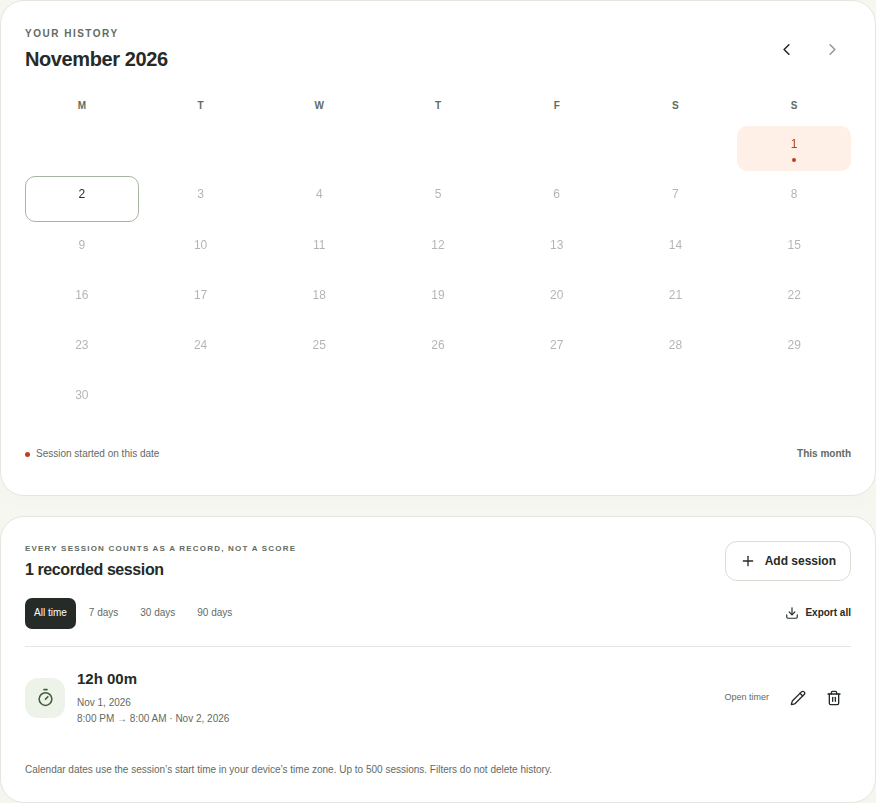
Without an account, fasting sessions are saved in that browser when local storage is available. Returning with the same browser profile lets you see that history. A different browser, private window, or device has its own storage.
The app does not automatically expire fasting history by age. It supports up to 500 sessions. Browser storage is not a guaranteed backup: clearing site data, private browsing, browser storage removal, or a device problem can remove records. Keep an export of history you need.
Choose optional account saving
- Select Save my history and create a free account, or sign in to an existing one.
- Open Settings & data and review the choice to enable cloud saving. The privacy notice explains what is stored.
- Enable cloud saving if you want your fasting records saved in your account. Product-news email is a separate, optional choice.
- If this browser has guest history, choose Import my history when you want to bring it into the account.
Signing in alone does not upload guest history. During an import, the app keeps the browser copy until a cloud read confirms the imported records. Exact duplicates are skipped; conflicting versions are not silently overwritten.
Read the saving status
- Saved on this browser
- You are using local guest history. Other devices do not receive this copy.
- Cloud saving is off
- You are signed in, but have not enabled account saving for fasting records.
- Waiting to save
- There are unconfirmed changes. Do not assume the account already has them.
- Saved to your account
- The app has a server confirmation for this account copy. Other devices may have changed the history since that confirmation.
- Needs attention or Backup needed
- Read the message before resetting, discarding changes, or leaving the page. Export a copy first when records need to be preserved.
Use Refresh in Settings & data to check the account copy. If the app reports a conflict, review it instead of repeatedly replacing records. Signing out waits for pending work to be resolved and then clears that account’s fasting cache from this browser.
Fasting history and Daily journal are separate
Meals, water, measurements, and personal references belong to Daily journal. Its local saving, encrypted journal, cloud sync, and exports are separate choices. Turning on fasting-history saving does not automatically upload a guest journal.
Saved journal records require your journal passphrase to unlock after a reload. Fasting Free cannot recover that passphrase. Read the privacy notice for the full storage and retention details.
Before clearing records
Export anything you need before removing history. Clearing the current fasting history does not clear guest records in another browser, a separate journal, or files you have already downloaded. Check which history and account you are viewing before confirming a removal.